Main Takeaways
Pulse is the live feed on the Warden Token Terminal home page. It tracks new pools the moment the chain sees them and refreshes about every 20 seconds.
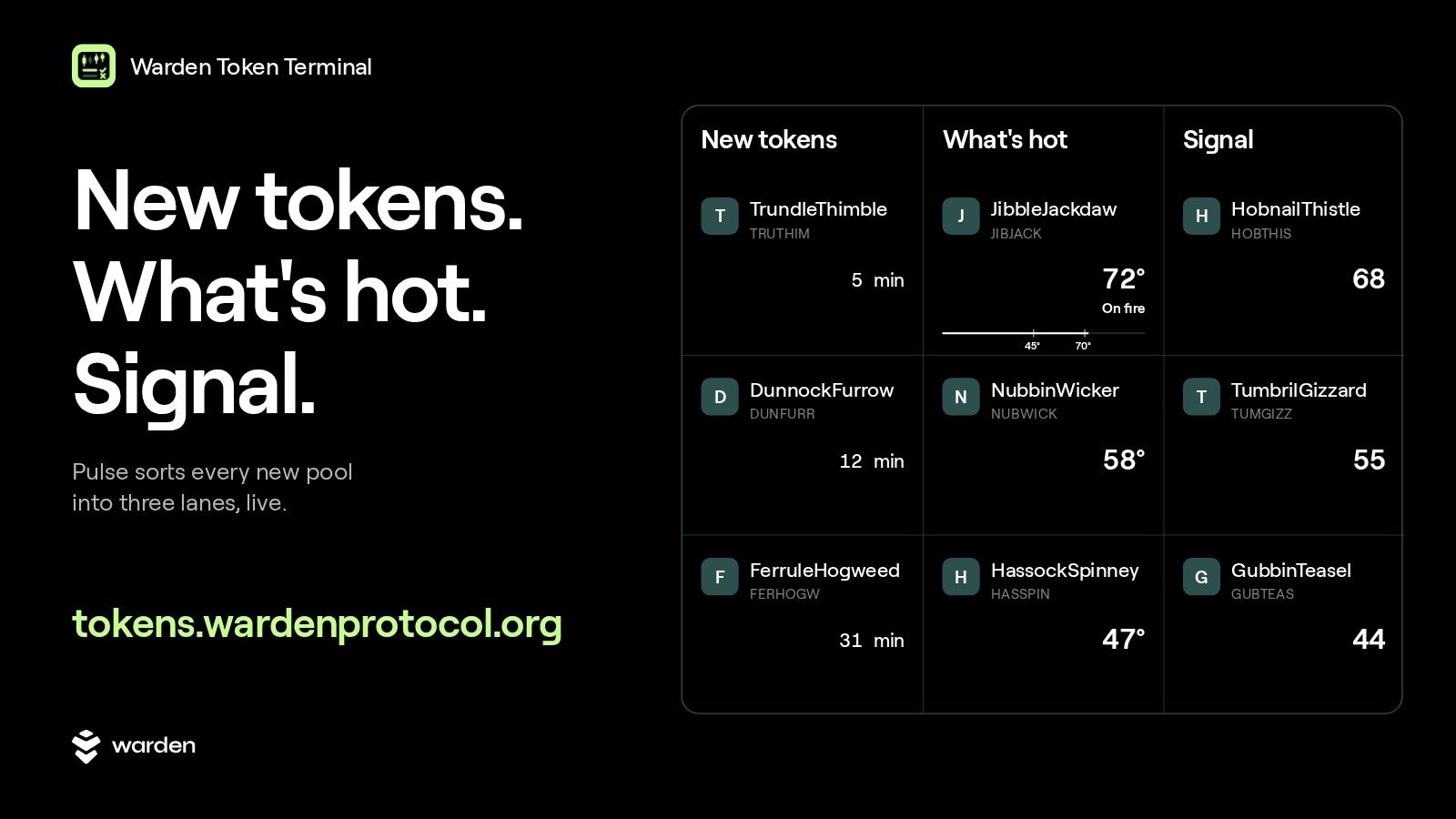
It splits the market into three lanes: New tokens (newest pools), What's hot (trading speeding up) and Signal (steady one-sided buying).
Two numbers do the sorting: Heat (0 to 100°) and Signal score (0 to 100).
Open Pulse in Warden Token Terminal
Why a live feed matters
New tokens move fast onchain. A pool opens, the first buyers arrive, and within an hour the picture can look completely different. If you spot that move by refreshing five tabs, you are usually late. Pulse puts it on one screen and sorts it for you.
Pulse is part of Warden Token Terminal, the place where agents and traders discover tokens and trade onchain. It sits on the home page of the terminal, right under the filters, and it stays on screen while you browse the market.
The header shows how fresh the feed is. "live" means the last refresh landed a few seconds ago. If a refresh is running late, you see "updated 40s ago" instead, so you always know how current the numbers are.
The three lanes of Pulse
Pulse reads the same stream of pools three ways. Each lane answers one question: what just appeared, what is speeding up, and where buyers are lining up on one side. Each lane shows up to eight tokens.
New tokens: what just landed
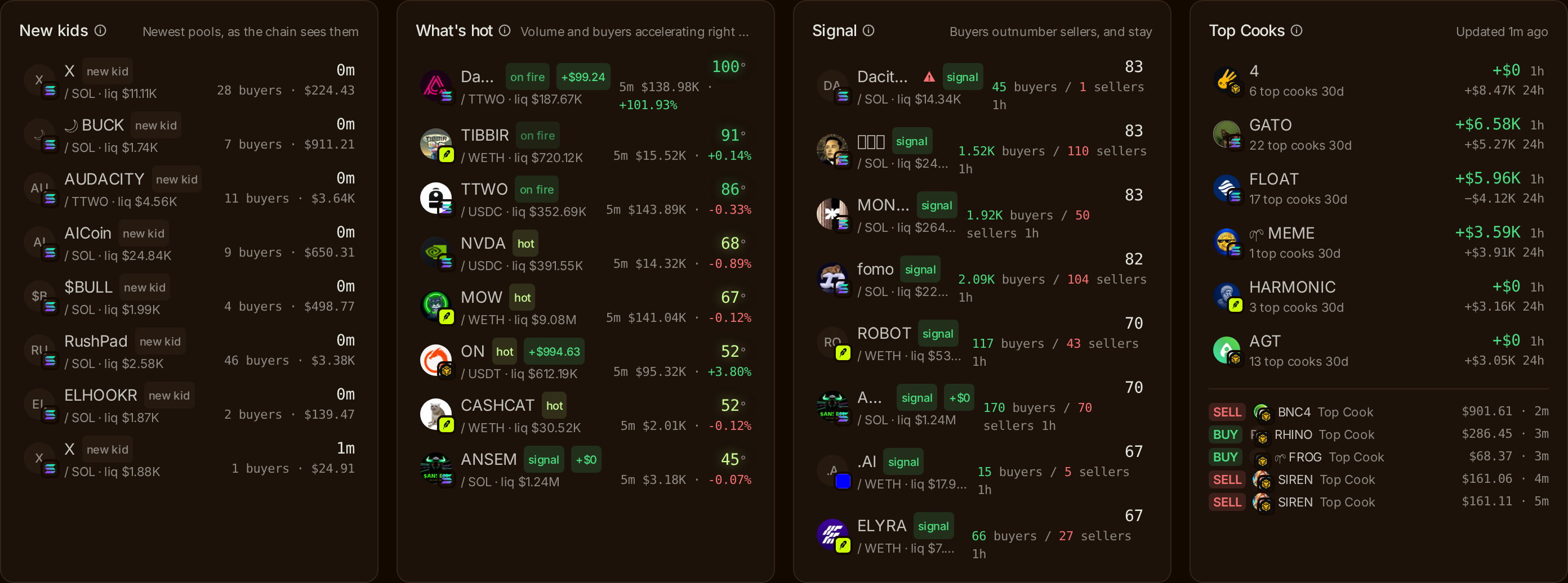
The hint under the title reads "Newest pools, as the chain sees them". New tokens lists pools that opened in the last six hours, newest first. Each row shows the pool's age, plus its buyers and volume over the last hour.
These are brand-new tokens. They are exciting to catch early, but they have little history and often thin liquidity. A pool that opened less than an hour ago is also marked as new wherever it appears in the terminal.
What's hot: trading that is speeding up
The hint reads "Volume and buyers accelerating right now". What's hot ranks pools by Heat: how much faster a pool is trading now than it was over the last hours. Volume and new buyers are speeding up, and the price is moving.
Each row shows its Heat, plus volume and price change over the last five minutes. That five-minute view tells you whether the move is still happening or already cooling.
Signal: buyers who stay
The hint reads "Buyers outnumber sellers, and stay". Signal lists pools where buyers clearly outnumber sellers over the last hour, and few of those buyers have sold since. Only pools with at least $5K of liquidity make the lane, so a handful of trades in an empty pool cannot fake it.
Each row shows the Signal score and the count of buyers against sellers over the last hour. Where What's hot shows speed, Signal shows direction and staying power.
Find tokens heating up on Warden Token Terminal
How to read Heat
Heat is a temperature from 0 to 100°. It measures how much faster a pool is trading now than it was before, built from three inputs: volume, new buyers and price momentum. A quiet pool sits low. A pool that suddenly draws fresh buyers and volume climbs.
Two thresholds matter:
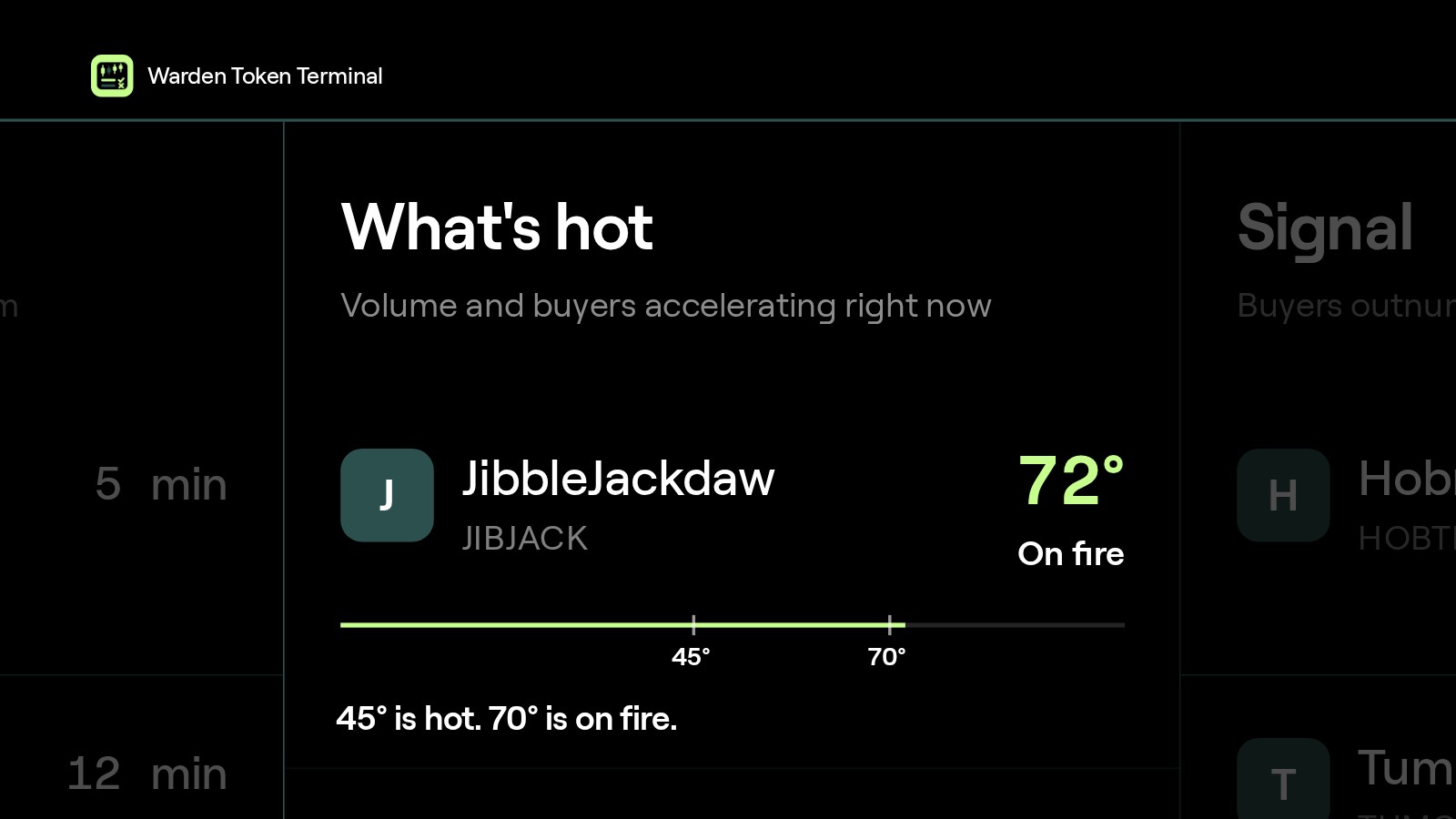
45° and up is hot. Trading is picking up. The row gets a "hot" badge.
70° and up is on fire. Trading is speeding up fast. The row gets an "on fire" badge.
Heat compares a pool with its own recent past, not with the whole market. A busy pool trading at a steady pace has little heat. A smaller pool that doubles its pace climbs. Heat also needs a minimum of real activity, so a tiny pool with two trades cannot top the lane. That is the point: Heat flags change.
How to read the Signal score
The Signal score runs from 0 to 100 and measures how one-sided buying is. About 40 is a balanced market, with buyers and sellers roughly even. A score of 65 and up means steady buying from many wallets.
Pools that clear the bar carry a "signal" badge: buyers clearly outnumber sellers, and are holding.
Read Heat and Signal together:
High Heat, high Signal: trading is speeding up, and the buyers are staying.
High Heat, middling Signal: lots of action in both directions. Fast, but contested.
Lower Heat, high Signal: a slower move, with buying that keeps coming from many wallets.
Add the Top Cooks view
Next to the three lanes, Pulse can show a fourth panel: Top Cooks. These are the most consistently profitable wallets on our chains, ranked by real total PnL. The panel shows which tokens they are net buying, meaning what they bought minus what they sold, and their latest trades. It refreshes every 15 minutes and says how long ago it updated.
On a token row, a small badge shows the net flow from top cook wallets over the last hour or day, with the faces of their latest buyers. Tap a face to open that wallet's page.
You can also filter the whole market by what the top cooks do, with three chips: Buying 1h, Buying 24h and 10+ top cooks.
Narrow Pulse with filters
The filter card above Pulse holds the same three lanes as chips. Under Signal you can pick Any, New tokens, What's hot or Signal. As filters, the chips are a little stricter than the lanes:
New tokens: pools under an hour old.
What's hot: a Heat of 45° or more.
Signal: steady one-sided buying.
Combine them with the other groups to match how you trade: Chain, FDV, Liquidity, 24h volume, Age, Type (Meme, Utility, AI, DeFi, Gaming, RWA, Stocks, Stable) and Launched on. For example, What's hot plus Liquidity over $50K plus Age under 24h gives you young pools that are speeding up and have some depth behind them.
What Pulse does not do
Pulse tells you what is moving. It does not tell you what to buy. Heat is not a guarantee, and a hot pool can cool as fast as it heated up. Treat Pulse as the starting point of your research, not the end of it.
Before you trade, open the token page. Every token page shows who holds the supply and what the contract can do, from automated safety checks written in plain words, next to the price chart, liquidity, volume, holder count and a live trade feed. The scan is automated and can miss things, so your own judgment still comes first.
A few more facts worth knowing:
Chains. Warden Token Terminal trades on Base, BNB Chain, Robinhood Chain, Arc and Solana.
Gasless sells work on Base, BNB Chain and Robinhood Chain.
Movers are stricter than Pulse. The daily boards of winners, losers and most traded rank only tokens over $1M market cap that already traded a day ago and that you can sell back out of. Copycat tokens using another project's name are left out.
Self-custodial. Your funds stay in your wallet. Pulse only reads the market.
FAQ
What is Pulse in Warden Token Terminal?
Pulse is the live market feed on the Warden Token Terminal home page. It tracks new pools the moment the chain sees them and sorts them into three lanes: New tokens for the newest pools, What's hot for pools trading faster than before, and Signal for pools with steady one-sided buying. It refreshes about every 20 seconds.
What does a Heat of 70° mean?
Heat runs from 0 to 100° and measures how much faster a pool is trading now than it was, from volume, new buyers and price momentum. At 45° or more a pool counts as hot and gets a "hot" badge. At 70° or more it counts as on fire: trading is speeding up fast. Heat describes activity, not future price.
What is a good Signal score?
The Signal score runs from 0 to 100 and shows how one-sided buying is. About 40 means a balanced market, with buyers and sellers roughly even. A score of 65 and up means steady buying from many wallets. The Signal lane also requires at least $5K of liquidity, so a few trades in an empty pool cannot reach it.
How new are the tokens in the New tokens lane?
The New tokens lane lists pools that opened in the last six hours, newest first, with each pool's age, buyers and volume over the last hour. The New tokens filter chip is stricter and keeps only pools under an hour old. Young pools often have thin liquidity, so check the token page before you trade.
Is a hot token safe to buy?
Not by itself. Heat and Signal describe trading activity, not safety or future price. Open the token page before you buy: it runs automated safety checks on the holders and the contract, shown in plain words next to the chart and liquidity. The scan can miss things, so treat it as one input and use your own judgment.
Start with Pulse
Watch the three lanes for a few minutes, then open a token page and read it before you trade.
Related reading: